
For specialists
How to set up your cabinet and start taking bookings
Nine steps from sign-up to your first online booking.
Sign up as a specialist
Create an account via email or Google. Choose the 'Specialist' role and enter your name, city and main category (nails, hair, massage, etc.). Sign-up takes 1–2 minutes.
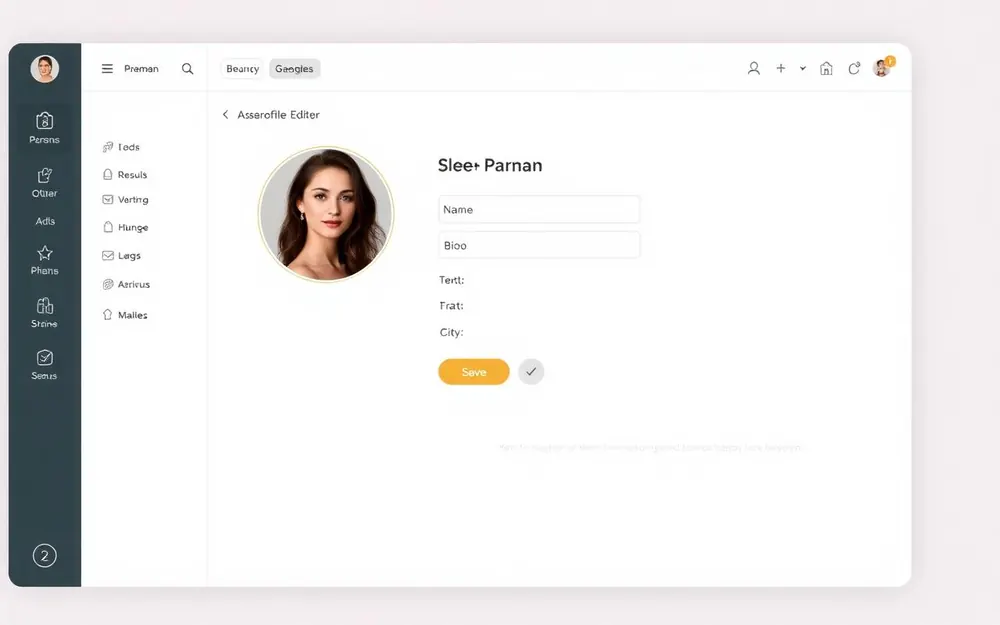
Fill out your profile
In your cabinet open 'Profile'. Add a photo, description, contacts, address and social links. The more complete the profile, the more trust and bookings you get. Your phone number is hidden from the public catalog by default.
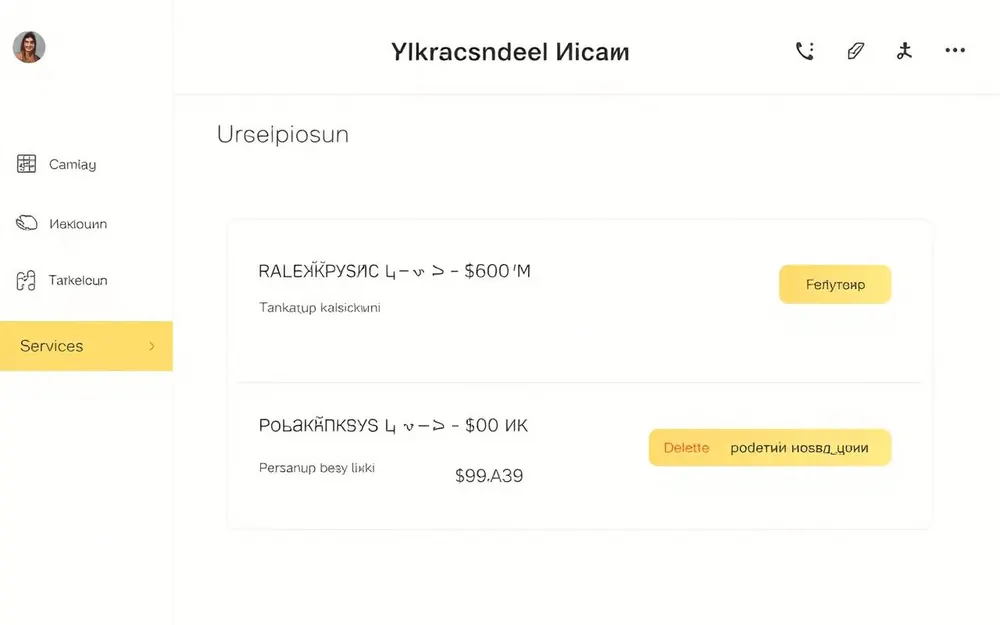
Add services and prices
In 'Services' build your price list: name, duration, price, currency and a short description. Prices can be shown in several currencies so clients see amounts they're used to. Services appear on your public page immediately.
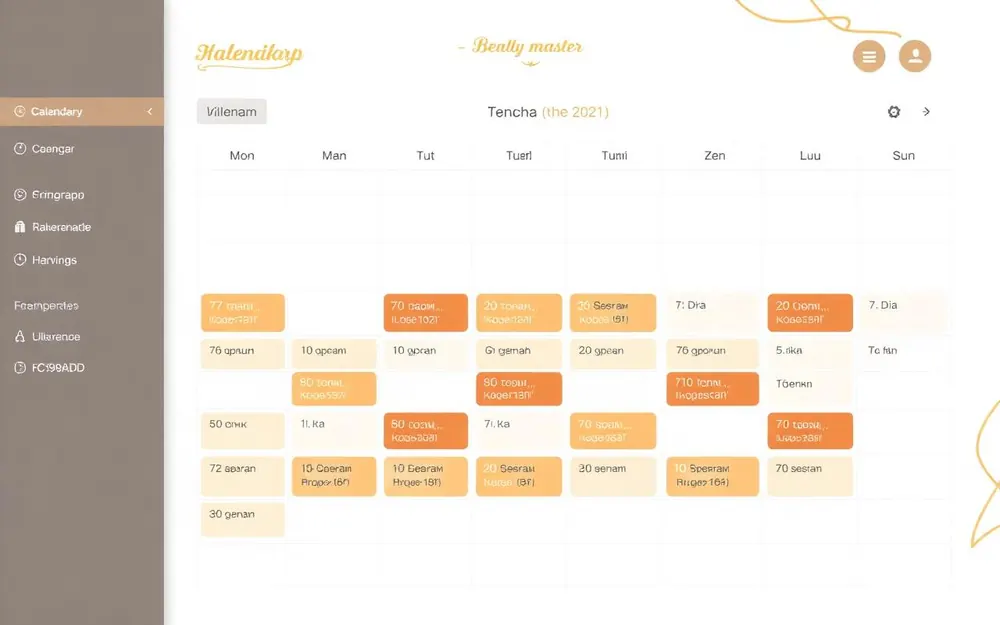
Set up your schedule
Go to 'Calendar' → 'Working hours'. Set your hours per weekday, breaks and days off. Plano will only offer clients slots that are actually free.
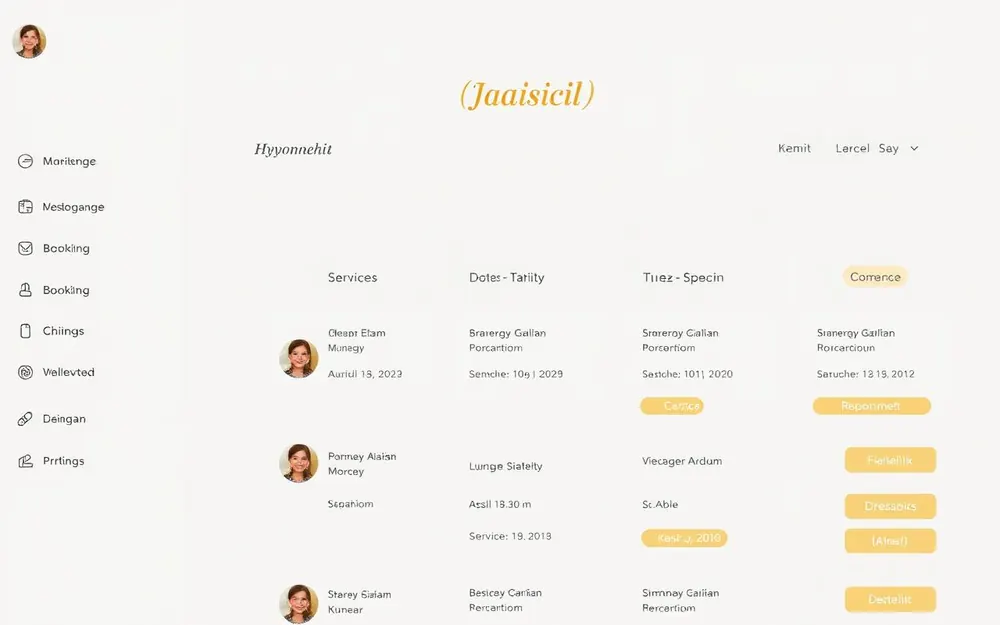
Accept bookings
All new bookings appear in 'Bookings' and in the calendar. You can confirm, reschedule, cancel or mark 'no-show'. Real-time browser notifications with sound.
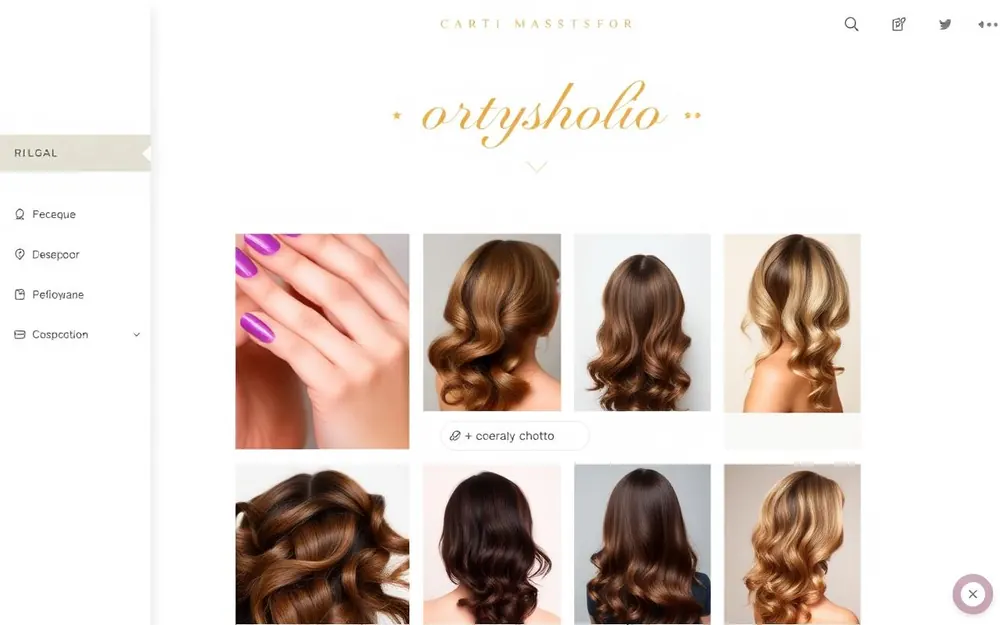
Add a portfolio
Upload your best work to the gallery. Portfolio is the first thing clients look at before booking. Captions and categories help find the right example fast.
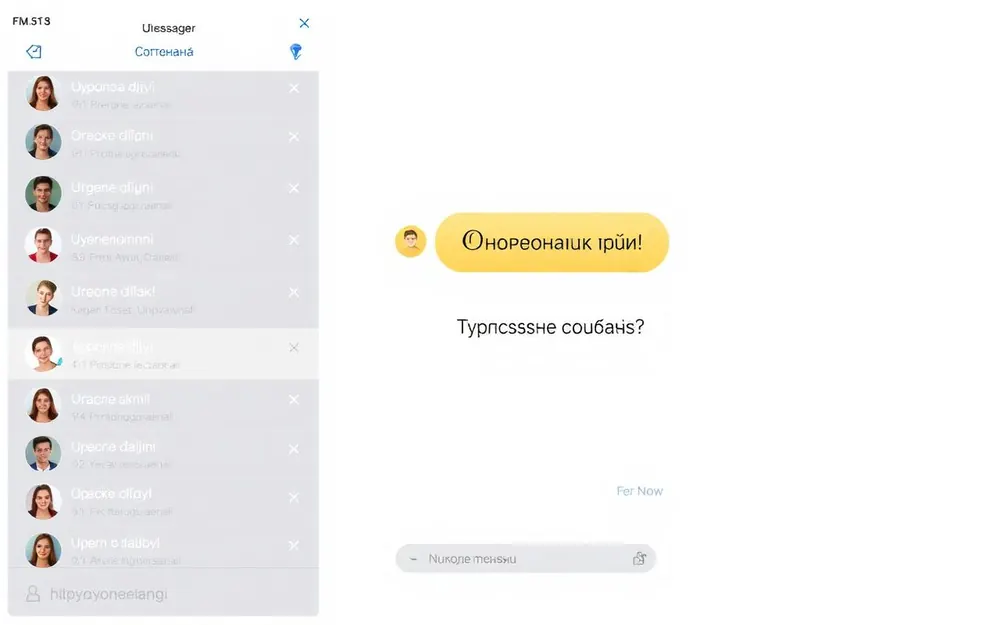
Chat with clients
In 'Messages' you chat with clients without sharing personal phone numbers. Clarify details, send a reference photo, or reschedule a visit.
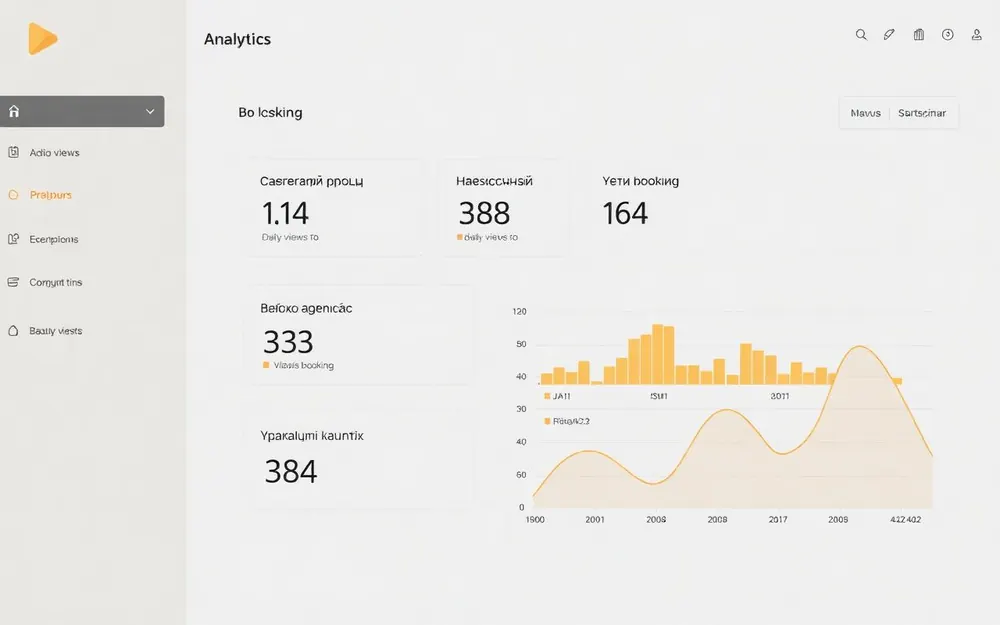
Analyze your results
In 'Analytics' check profile views, booking conversion, income per period and repeat visits. It helps you understand what works and what to improve.
Share your profile
Copy the link to your public profile and add it to Instagram, Telegram, business cards. Clients can book in 2 clicks without a call.
Ready to launch online booking?
Create a free account — and in 10 minutes your profile will be in the catalog.