For clients
How to find a specialist and book
Six simple steps — from search to a confirmed visit. No calls, no queues.
Find a specialist
Open the home page or catalog. Pick a category (nails, hair, massage, etc.), enter your city, or use the 'nearby' search. Filter by price, rating and available time.
Browse the catalog
The catalog shows cards for specialists and studios with photos, price, rating and the nearest available slot. Tap a card to open the full profile.
Choose a service and time
On the specialist page, review the portfolio, services and reviews. Tap 'Book', pick a service, date and free time slot, then confirm. The booking is instant.
Track your bookings
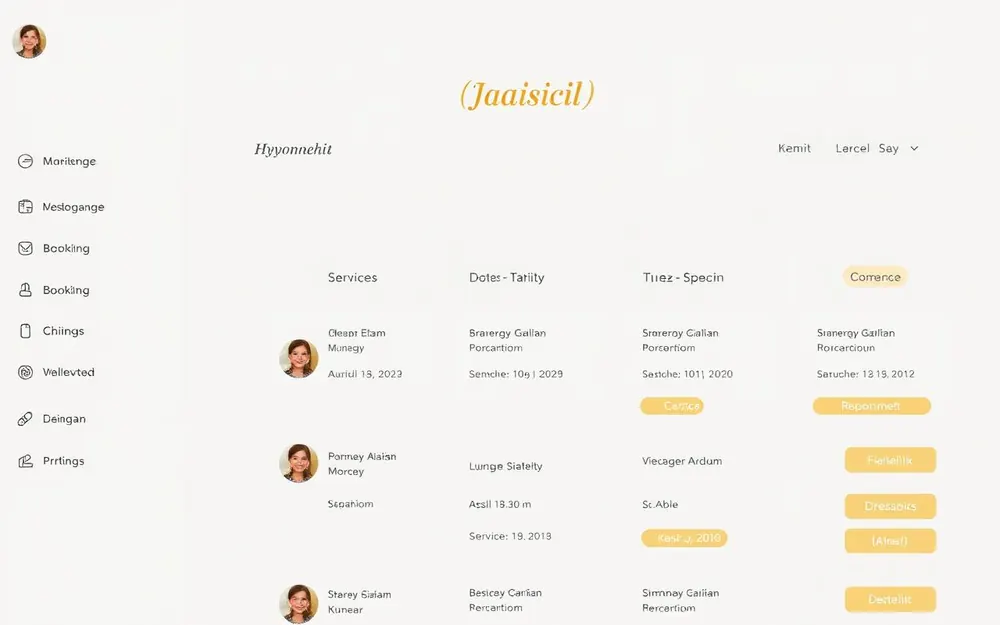
In your cabinet under 'My bookings' you can see all upcoming and past visits. You can reschedule or cancel. Notifications about confirmations and changes arrive in the browser.
Save your favorites
Tap the heart on a specialist or studio card to save them. All saved masters are available under 'Favorites' for quick access.

Leave a review
After a visit you can rate the specialist and write a review. It helps other clients make the right choice and helps the master grow.